 Profiles list
Commute 3
Switch contexts instantly. Control your workspace.
Commute helps you jump between work contexts in seconds. Build profiles that open what you need, optionally close what you do not, and keep your Mac aligned with your focus.
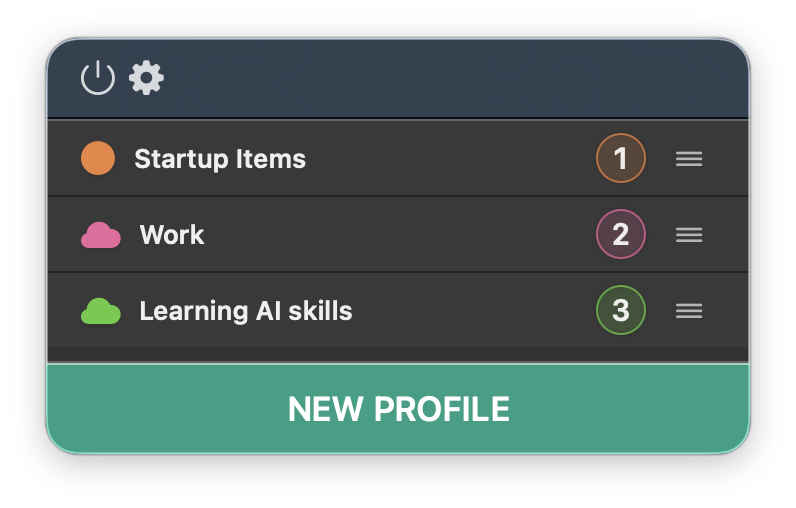
Profiles list
Designed for clarity. Built for momentum.
Commute 3 introduces a refined interface with stronger contrast, cleaner hierarchy, and precise feedback. It stays out of the way while giving you total visibility and control.
Switch contexts in seconds
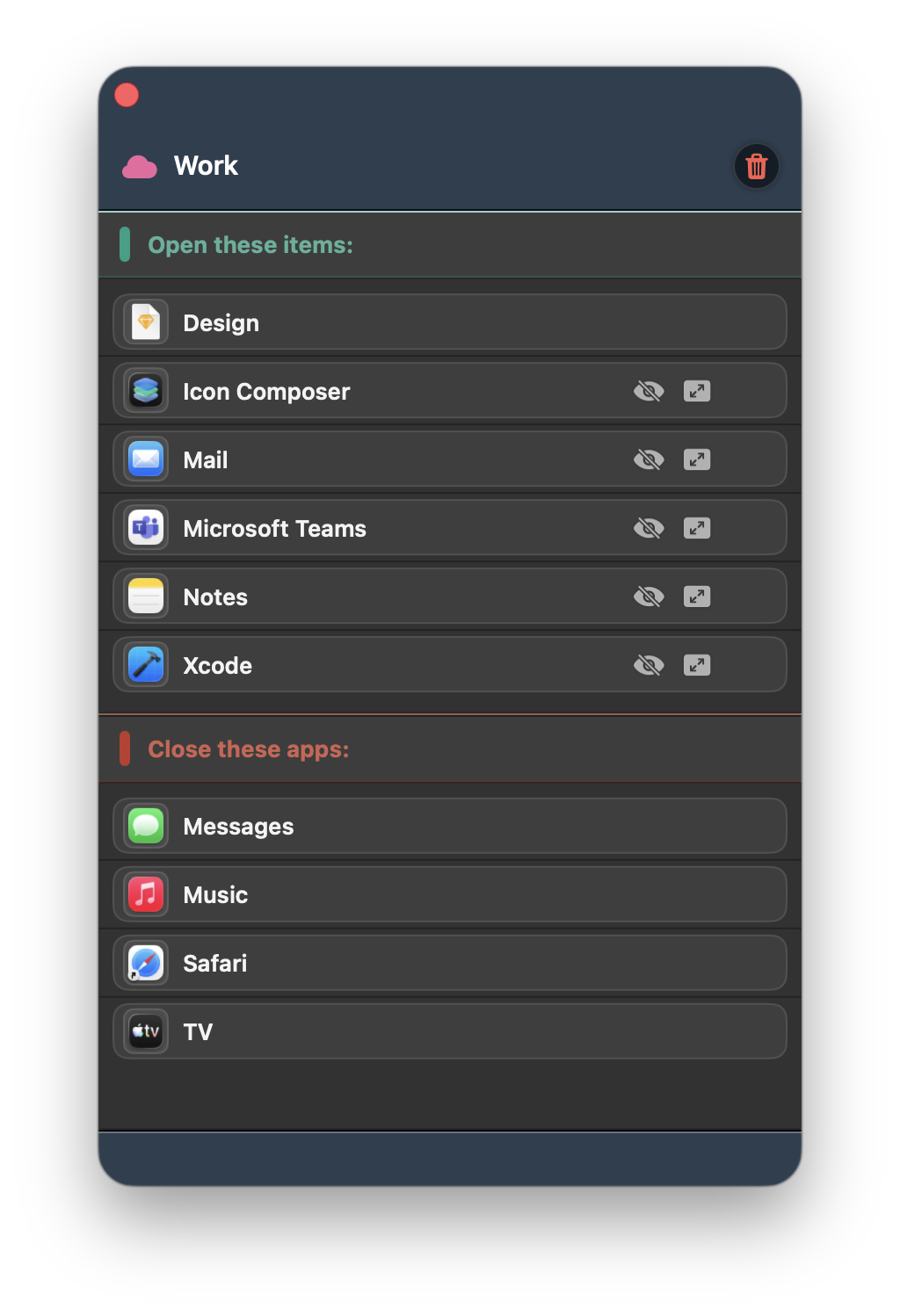
Create profiles for development, writing, meetings, personal time, focus sessions... Add the apps, documents, or URLs you want to open. Launch with one click and get started instantly.
Open apps and URLs together
Each profile can open selected apps and websites in one action, so your full workspace appears exactly when you need it.
Custom launch control
Choose exactly how apps and documents open, with optional delay, specific app assignment, and fullscreen or minimized launch.
Reliable profile management
Drag and drop reorder, automatic shortcut reassignment, instant duplication, and clear run feedback keep everything predictable.
Full control
- Improved launch reliability with delay and retry options.
- Better keyboard handling for faster profile execution.
- Seamless iCloud sync across your Macs.
 Profile detail
Screenshots
A quick look at Commute in action: profile setup, preferences, and instant switching from your menu bar.
Switch contexts instantly, without manual setup
Set your profiles once and move between projects, routines, and focus sessions in a single action.